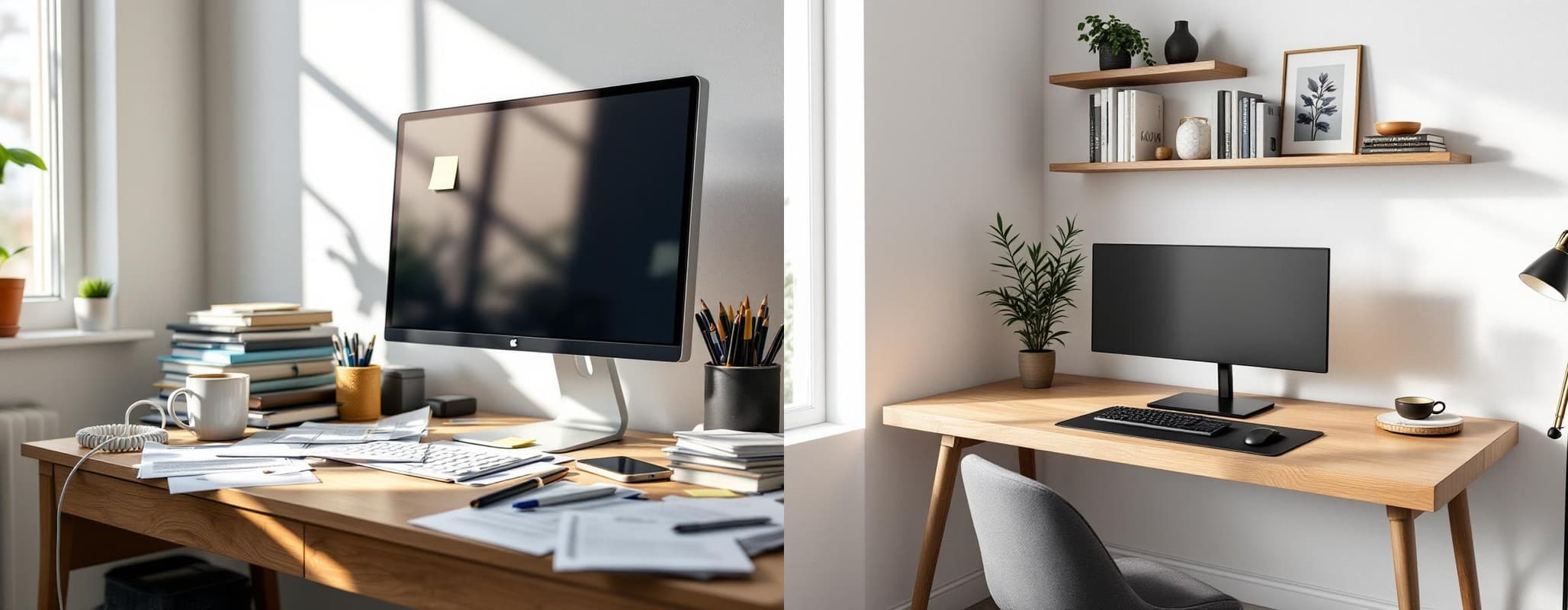
Is your cluttered home office costing you 4.3 hours per week? That's not a guess. It's the average time people waste searching for misplaced papers, according to the National Association of Professional Organisers. For someone working from home full-time, that's nearly six full weeks per year spent hunting for documents instead of doing actual work.
Add to that the mental toll. Research shows that 55% of Americans feel stressed due to visual clutter, and a Princeton University study found that clutter directly competes for your attention, reducing your ability to focus and process information. Your messy desk isn't just costing you time; it's draining your energy and creativity.
But here's the good news: getting organized doesn't have to be overwhelming. In this comprehensive guide, we'll walk you through 25+ practical home office organization ideas that will help you reclaim your time, reduce stress, and create a workspace where you can actually do your best work. You'll learn proven systems, space-saving strategies, and modern solutions (including AI-powered visualization tools) that make organizing easier than ever before.
Why home office organization matters for your business
The real cost of a cluttered workspace
Let's talk numbers. Workplace clutter isn't just an annoyance; it's a significant drain on productivity and profitability. A study by Brother International found that cluttered workspaces cost corporate America $177 billion annually in lost productivity. When you break that down to the individual level, it becomes even more striking.
Research from the National Association of Professional Organisers reveals that being organized saves you 60 minutes per day. That's five hours per week, or 260 hours per year. If you value your time at $50 per hour (a modest rate for knowledge workers), that's $13,000 in annual value lost to disorganization.
The financial impact is just one piece of the puzzle. Studies show that teams with high levels of clutter report a 30% decrease in collaboration effectiveness. When people can't find the documents or tools they need, meetings stall, projects lag, and frustration builds.
The productivity benefits of getting organized
Now for the upside. Research consistently shows that an organized workspace directly boosts performance. Harvard research found that personalized workspace design increases productivity by 32%. When you take control of your environment and create systems that work for you, everything changes.
Natural lighting alone can reduce headaches by 63% and drowsiness by 56%, according to the same Harvard study. Combine that with an organized desk, and you're creating an environment optimized for focus and sustained energy throughout the day.
Perhaps most importantly, 94% of employees report feeling more productive in a clean workspace. Organization isn't about perfection or aesthetics alone; it's about removing friction from your workflow so you can focus on what matters most.
How to visualize your organized office (before you start)
The power of "seeing" your goal
Here's why most organizing projects fail: analysis paralysis. You look at your cluttered office and feel overwhelmed. Where do you even start? What should the final result look like? Will it actually be better when you're done, or are you just rearranging deck chairs?
This is the fundamental problem with traditional organizing advice. It tells you what to do, but it doesn't show you what you're working toward. Without a clear visual goal, it's nearly impossible to build the motivation needed to tackle a big project.
The solution? See the "after" before you start. When you can visualize exactly what your organized space will look like, two powerful things happen. First, you eliminate the uncertainty. You know the end result will be worth the effort. Second, you create a powerful emotional pull toward that goal. Instead of being pushed away from the pain of clutter, you're pulled toward the vision of an organized space.
AI-powered workspace planning
This is where modern technology changes the game. AI-powered tools like Neat Pilot can analyze a photo of your cluttered office and provide two things: a step-by-step organizing plan (the AI Analysis) and a photorealistic preview of your organized space (the AI Makeover).
The AI Analysis examines your space and creates a prioritized action plan. It identifies types of clutter, suggests optimal storage solutions, and breaks down the project into manageable steps. You'll know exactly where to start and what to do next.
The AI Makeover takes it a step further. It generates a visual transformation of your actual office, showing you what it will look like when organized. This isn't a generic template; it's your space, your furniture, your layout, just cleaned up and optimized.
The benefits are immediate: zero risk, instant visualization, and the confidence to begin. You can try different approaches, see what works best for your space, and commit to a plan only when you're excited about the outcome.
8 essential home office organization systems
1. Decluttering: the foundation
You can't organize clutter. The first and most important step is to ruthlessly eliminate anything that doesn't serve a purpose in your workspace. Start by applying the "One-Year Rule": if you haven't used an item in the past 12 months, you probably don't need it in your immediate workspace.
Use the three-box method: label three boxes as "Discard," "Donate," and "Relocate." Go through every item in your office and place it in one of these boxes. Be honest with yourself. That stack of conference materials from 2022? Recycle it. The dried-out markers? Trash them. The inspirational poster that's been gathering dust? It's time to let it go.
Once you've cleared the obvious clutter, implement a quick daily habit: spend 5-10 minutes at the end of each workday resetting your space. Clear your desk, file papers, and return items to their homes. This small ritual prevents clutter from building up and ensures you start each morning with a clean slate.
2. Vertical storage solutions
Most offices dramatically underutilize their vertical space. Walls offer enormous storage potential that keeps items organized while freeing up valuable desk and floor space.
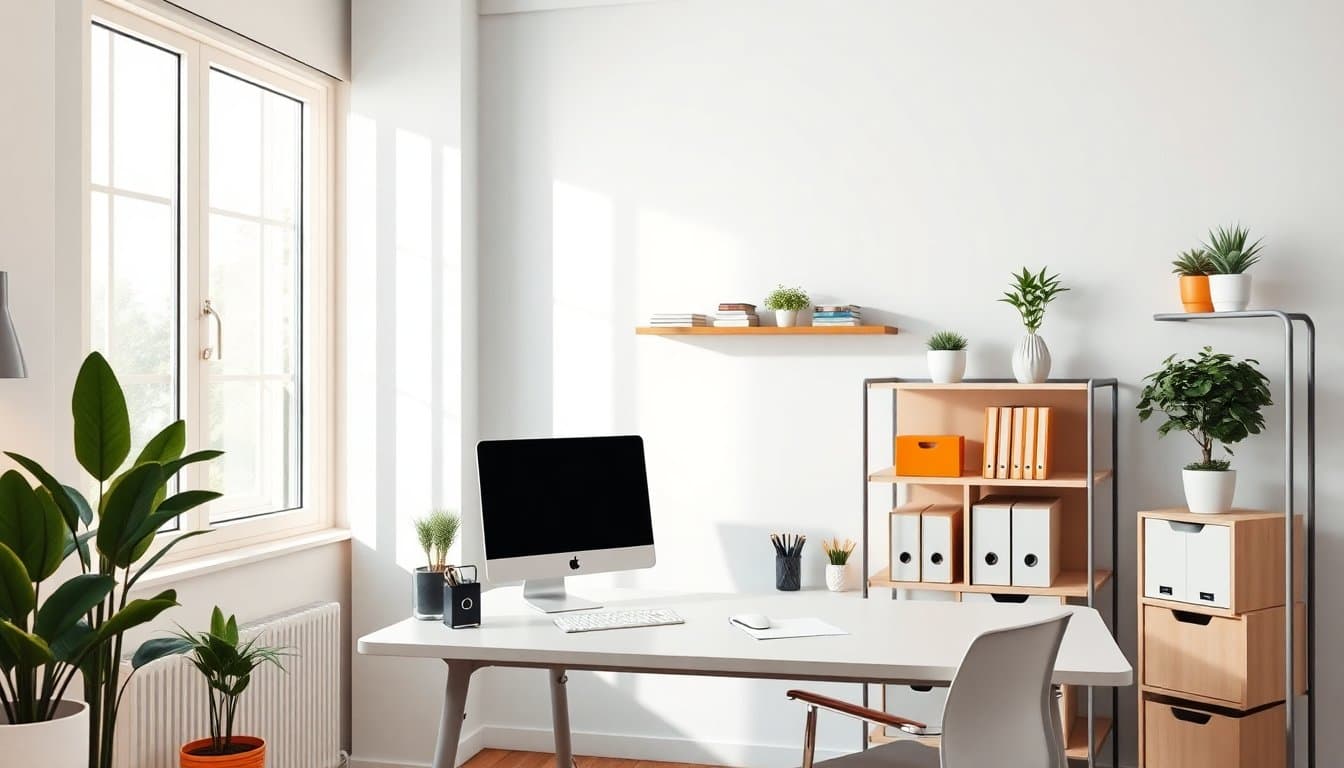
Install wall-mounted shelves above your desk for books, binders, and reference materials. Floating shelves create a modern, clean look while maximizing storage. For smaller items, consider pegboards or wall-mounted organizers with hooks and bins.
Overhead cabinets work particularly well in small offices. They provide closed storage for items you don't need daily, keeping them accessible but out of sight. This reduces visual clutter while maintaining easy access when you need something.
For shared offices or collaborative spaces, vertical filing systems and wall-mounted document holders keep active projects organized and visible without consuming desk space.
3. Desktop organization
Your desk is your primary work surface, and keeping it organized is essential for focus and productivity. Start with desktop organizers for writing utensils, notepads, and frequently used tools. Choose organizers with compartments to keep similar items together.
Implement an "inbox zero" system for physical papers. Use a vertical file holder on your desk for active projects, with clearly labeled folders for each one. When a paper comes in, it immediately goes into the appropriate folder. When a project is complete, the folder moves to your filing cabinet.
Drawer dividers are essential for keeping small supplies organized. Group similar items together (paper clips in one section, USB drives in another, sticky notes in a third) and always return items to their designated spots.
Finally, clear your desk completely at the end of each day. A clean desk in the morning provides a psychological boost and helps you start the day with focus and intention.
4. Filing and document management
A robust filing system is critical for any home office. Start by creating a color-coded system for different document categories: blue for financial records, green for client files, red for legal documents, yellow for reference materials.
Within each category, use labeled folders organized alphabetically or by date, depending on what makes most sense for your workflow. A label maker is worth the investment; clear, professional labels make finding documents effortless.
Digital transformation is equally important. Scan important documents and store them in a well-organized cloud storage system. This serves two purposes: it reduces physical clutter and provides backup protection for critical documents.
Create a routine for processing incoming papers. When mail arrives, immediately sort it: trash junk mail, scan and file important documents, and action items go into your inbox folder. Never let papers pile up "temporarily" on your desk.
5. Cable management
Few things make an office look messier than a tangle of cables. Fortunately, cable management is easier than most people think.
Start with cable ties or velcro straps to bundle cables together. Run them along the back of your desk or down table legs to keep them out of sight. Under-desk cable trays provide a clean solution for managing power strips and excess cable length.
Consider a charging station for multiple devices. These keep phones, tablets, and other electronics charged and organized in one central location, eliminating the need for multiple chargers scattered across your desk.
Where possible, opt for wireless alternatives. Wireless keyboards, mice, and headphones dramatically reduce cable clutter while giving you more flexibility in your workspace layout.
6. Small space optimization
Working with a small home office requires creative solutions that maximize every square inch.
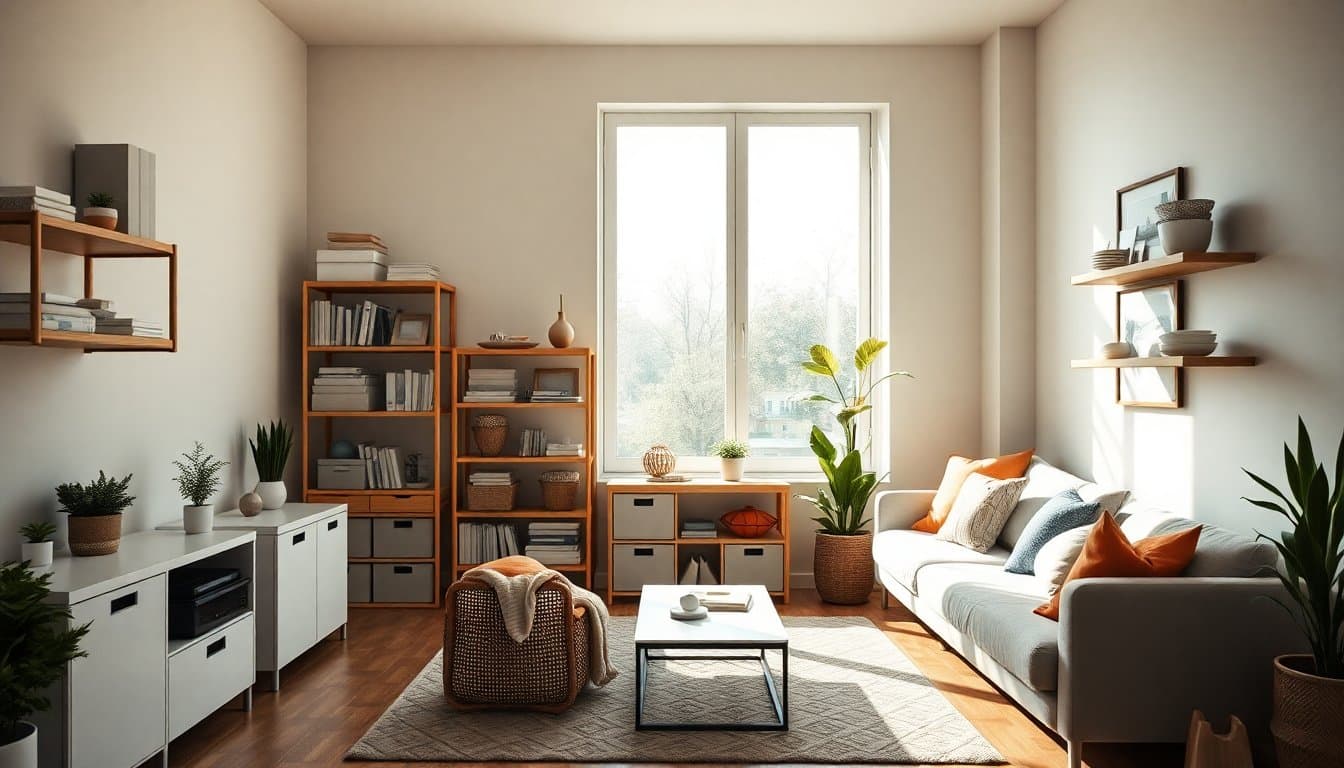
Multifunctional furniture is your best friend. A storage ottoman doubles as seating and a place to store supplies. A desk with built-in drawers provides work surface and storage in one piece. Look for furniture that serves multiple purposes.
The "cloffice" trend (converting a closet into an office) has exploded in popularity among remote workers. If you have a spare closet, remove the door, install a floating desk or shelf at the appropriate height, add lighting, and you've created a dedicated workspace that can be closed off at the end of the day.
Floating desks and wall-mounted fold-down desks work beautifully in tight spaces. They provide a work surface when you need it and disappear when you don't, perfect for homes where space is at a premium.
Corner utilization is another key strategy. L-shaped desks fit perfectly in corners, providing ample work surface while using otherwise wasted space. Corner shelving units similarly make use of underutilized areas.
7. Lighting design
Lighting has a profound impact on both productivity and well-being. Harvard research shows that natural light reduces headaches by 63% and drowsiness by 56%. Position your desk near a window if possible, ideally with the window to your side (not behind you, which creates glare, or in front of you, which can be distracting).
Layer your lighting with multiple sources. Overhead lighting provides general illumination, while task lighting (a desk lamp) focuses light where you need it for detailed work. This combination reduces eye strain and creates a more comfortable environment.
Choose bulbs carefully. Daylight-spectrum bulbs (5000-6500K) mimic natural light and help maintain alertness. Warmer bulbs (2700-3000K) create a cozier atmosphere but may not be ideal for focused work.
If natural light is limited, invest in a quality desk lamp with adjustable brightness. You'll be amazed at how much difference good lighting makes in your energy levels and focus throughout the day.
8. Ergonomic setup
Organization isn't just about where things go; it's about how your workspace supports your physical health and comfort.
Start with your chair. An ergonomic office chair with adjustable height, lumbar support, and armrests is essential for anyone spending significant time at a desk. Your feet should rest flat on the floor, and your knees should be at a 90-degree angle.
Position your monitor at arm's length away, with the top of the screen at or slightly below eye level. This reduces neck strain and encourages good posture. If you use a laptop, consider a laptop stand with an external keyboard to achieve the proper height.
Your keyboard and mouse should be positioned so your elbows are at a 90-degree angle and your wrists are straight. Many people benefit from an ergonomic keyboard or a wrist rest to maintain neutral wrist position.
Standing desks have become increasingly popular, and for good reason. Alternating between sitting and standing throughout the day reduces fatigue and improves circulation. If a full standing desk is out of your budget, consider a desktop converter that sits on your existing desk.
17 actionable home office organization ideas
Ideas for small spaces
Use vertical space aggressively. In a small office, every wall is valuable real estate. Install shelves from floor to ceiling to maximize storage without consuming floor space.
Choose a floating or wall-mounted desk. These desks provide a work surface without the bulk of traditional desks, making the room feel more spacious. Some models even fold up when not in use.
Opt for a rolling file cabinet. Unlike stationary filing cabinets, rolling carts can be moved under your desk when not in use, freeing up floor space. Choose one that doubles as a side table.
Install a fold-down desk in a hallway or alcove. These desks mount to the wall and fold up when not needed, creating an instant workspace in otherwise unused areas.
Ideas for paper-heavy businesses
Implement a color-coded filing system. Assign a color to each major category of documents. The visual distinction makes finding files faster and reduces misfiling.
Create a daily scanning routine. Dedicate 10 minutes at the end of each day to scanning important documents and shredding what you no longer need. This prevents paper buildup and ensures you have digital backups.
Use an inbox/outbox system. Designate one tray for incoming mail and documents that need action, and another for items ready to be filed or sent. Process your inbox daily.
Archive old files quarterly. Every three months, move files you no longer need regularly to long-term storage (a filing box in a closet or basement). This keeps your active filing system lean and relevant.
Ideas on a budget
Repurpose containers you already have. Mason jars make excellent pen holders. Shoe boxes can be covered with decorative paper and used as organizers. Empty tissue boxes work well for storing plastic bags.
Shop thrift stores for furniture and storage. You can often find high-quality desks, filing cabinets, and bookshelves for a fraction of retail prices. A coat of paint can make them look brand new.
Use binder clips for cable management. Clip them to the edge of your desk and thread cables through the metal loops. It's a free (or nearly free) way to organize cords.
Make your own pegboard organizer. A piece of pegboard from a hardware store, some hooks, and a can of spray paint create a customizable wall organizer for under $20.
Ideas for creative professionals
Create an inspiration board. Use a large corkboard or magnetic board to pin up visual inspiration, sketches, color swatches, and ideas. This keeps inspiration visible without cluttering your desk.
Organize supplies by project. Use clear plastic bins or drawer organizers to group materials by active project. This makes it easy to grab everything you need when you're ready to work.
Implement a "mobile studio" approach. Store supplies in a rolling cart that you can move to different areas based on the type of work you're doing. This is especially useful for artists, crafters, or designers who need different setups for different tasks.
Label everything with pictures and text. For supplies stored in bins or drawers, label them with both text and a photo of the contents. This makes finding items faster and helps you maintain the system.
Tech-focused organization ideas
Embrace cloud storage and go paperless. Services like Google Drive, Dropbox, or OneDrive let you access documents from anywhere while eliminating physical file storage needs.
Use project management software. Tools like Asana, Trello, or Monday. com keep your tasks and projects organized digitally, reducing the need for physical to-do lists and sticky notes.
Implement a digital filing system. Create a clear folder structure on your computer that mirrors your physical filing system. Use consistent naming conventions (YYYY-MM-DD_Project-Name_Document-Type) for easy searching.
Set up automated backups. Use backup software to automatically save your important files to an external hard drive or cloud service. This protects your work and gives you peace of mind.
Reduce app clutter on your desktop. Keep only your most-used applications on your computer's desktop. Organize everything else into folders or use a launcher app to access programs quickly without visual clutter.
Designing your home office layout
Layout principles for maximum productivity
The layout of your home office directly affects your workflow, mood, and productivity. Start by creating distinct zones for different activities. You might have a primary work zone (desk and computer), a resource zone (bookshelves and filing cabinet), a supply zone (drawers or cabinets), and possibly a collaboration zone (small table for meetings or brainstorming).
Keep the items you use most within arm's reach. Your keyboard, mouse, notebook, and primary tools should be immediately accessible. Items you use weekly can be a few steps away. Things you use monthly or less can be stored in drawers or cabinets.
Consider sight lines and distractions. If possible, position your desk so you're not facing a high-traffic area or window with a distracting view. Many people find they work best facing a wall or with their back to a window, minimizing visual distractions.
Create psychological boundaries if your office is part of a multi-purpose space. A room divider, bookshelf, or even a rug can demarcate your work area from the rest of the room, helping your brain shift into "work mode" when you enter the space.
Furniture selection guide
Your desk is the centerpiece of your office. Choose one with adequate surface area for your computer, writing space, and essential tools. Desks with built-in storage (drawers or shelves) help keep supplies organized and accessible.
Invest in a quality office chair. You'll spend hours in it, so comfort and support are essential. Look for adjustable height, lumbar support, breathable fabric, and armrests. Your chair is not the place to cut corners on budget.
Storage furniture should match your needs. If you have many files, a traditional filing cabinet is essential. If you work with books and reference materials, sturdy bookshelves are a priority. Assess your specific storage needs before purchasing furniture.
For small spaces, multifunctional furniture maximizes utility. A storage ottoman provides seating and supplies storage. A bookshelf can serve as both storage and a room divider. A desk with shelving built into the design eliminates the need for separate bookcases.
Color psychology and aesthetics
The colors in your workspace affect your mood and productivity more than you might realize. Neutral colors (white, beige, gray) create a calm, focused environment and make the space feel larger. They're ideal for small offices or work that requires deep concentration.
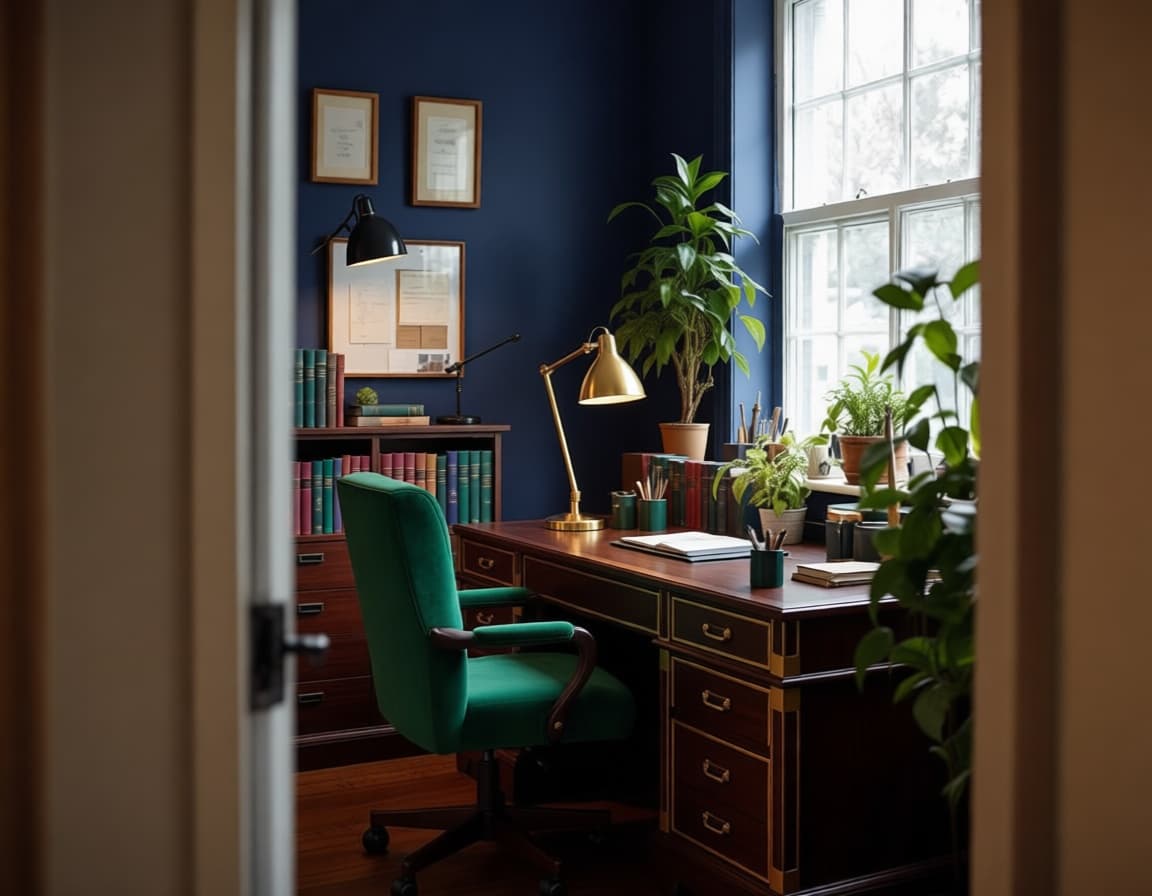
Accent colors can add energy and personality without overwhelming the space. Blue is associated with focus and calm, making it excellent for high-concentration work. Green brings a sense of balance and is easy on the eyes. Yellow stimulates creativity but can be overwhelming in large doses; use it as an accent. Red increases energy and urgency; use sparingly.
Create a cohesive design by limiting your color palette to three colors: a primary neutral, a secondary color, and an accent color. This creates visual harmony and makes the space feel intentional and professional.
Don't forget about texture and materials. Wood adds warmth, metal brings an industrial edge, and soft textiles (a rug, curtains) create coziness. Mixing textures adds interest while maintaining a cohesive look.
Maintaining an organized home office
Daily habits (5-10 minutes)
Organization is a practice, not a destination. The key to maintaining your organized office is building small, consistent habits.
End each workday with a desk reset. Clear any papers into your inbox or file them immediately. Return all pens, supplies, and tools to their designated homes. Wipe down your desk surface. Starting each morning with a clean desk sets a positive tone for the day.
Process your inbox daily. Whether it's physical mail or email, commit to reaching "inbox zero" before you finish work. File what needs to be kept, discard what doesn't, and take action on what requires a response.
Quick tidying sweep. Before you leave your office, do a 60-second scan of the room. Are there any items out of place? Any cups or dishes that need to return to the kitchen? A quick daily sweep prevents small messes from becoming big problems.
Weekly maintenance
Set aside 15-20 minutes each week for deeper maintenance. This is when you go through that inbox folder of papers, filing or discarding each item. Clean out your desk drawers, returning misplaced items and discarding trash. Wipe down surfaces, dust shelves, and tidy your cables.
Review your filing system. Are there any files that can move to long-term storage? Any documents that are no longer relevant and can be shredded? Regular pruning keeps your system lean and functional.
Assess your systems. Is everything working well? Are there any pain points that need addressing? If you're constantly hunting for a specific item, it needs a better home. Make small adjustments as needed.
Quarterly reviews
Every three months, conduct a more thorough evaluation of your office. Purge outdated materials ruthlessly. Old client files, obsolete marketing materials, and expired reference books can all go into long-term storage or be discarded.
Evaluate your furniture and layout. Is your current setup still serving you well? Have your needs changed? Don't be afraid to rearrange furniture or adjust your systems to better match your current workflow.
Deep clean everything. Move furniture to vacuum behind it, clean windows, dust baseboards. A quarterly deep clean keeps your office feeling fresh and prevents the accumulation of grime that can make the space feel neglected.
Common home office organization mistakes to avoid
Learning from others' mistakes is faster than making them yourself. Here are seven common pitfalls to avoid:
Buying storage before decluttering. The most common mistake is purchasing bins, shelves, and organizers before reducing clutter. This leads to neatly organized clutter, which is still clutter. Always declutter first, then assess your storage needs.
Ignoring vertical space. Most people focus on horizontal surfaces (desks, floors) while neglecting their walls. Vertical storage can double or triple your storage capacity without making the room feel cramped.
Working in your bedroom. If possible, avoid setting up your office in your bedroom. Research shows this weakens the mental association between your bedroom and sleep, leading to poorer sleep quality and difficulty separating work from rest.
Poor lighting choices. Relying solely on overhead lighting or working with insufficient light causes eye strain and fatigue. Layer your lighting and prioritize natural light whenever possible.
Skipping cable management. Leaving cables tangled and visible makes even an organized office look messy. Taking 20 minutes to manage cables dramatically improves the appearance and function of your space.
No filing system. Thinking you can "just remember" where things are or relying on piles instead of a proper filing system leads to wasted time and frustration. Invest in a simple filing system from the start.
Over-decorating. While personal touches make a space pleasant, too many decorations create visual clutter and compete for your attention. Keep décor minimal and intentional, choosing a few pieces that genuinely inspire you.
Home office organization FAQs
How do I organize a home office in a small space?
Focus on vertical storage, use multifunctional furniture, and embrace wall-mounted solutions. A floating desk, wall shelves, and a pegboard organizer can create a fully functional office in just a few square feet. Consider a "cloffice" (closet office) if you have a spare closet available.
What's the best filing system for a home office?
A color-coded alphabetical system works well for most people. Assign colors to major categories (financial, client files, legal, reference) and organize folders alphabetically within each category. For businesses with many clients, organize alphabetically by client name. For date-sensitive work, organize chronologically.
How often should I declutter my workspace?
Daily (5-10 minute desk reset), weekly (15-20 minute maintenance), and quarterly (1-2 hour deep declutter and review). Regular small efforts prevent the buildup that leads to overwhelming projects.
What storage solutions work for small budgets?
Repurpose containers you already own, shop thrift stores for furniture, use binder clips for cable management, and make your own pegboard organizers. Many effective organization solutions cost little or nothing.
How can I reduce visual clutter?
Use closed storage (cabinets, drawers) for items you don't need to see daily, implement a filing system to get papers off your desk, manage cables to keep them out of sight, and limit décor to a few meaningful pieces. A clean desk policy (clearing your desk at the end of each day) also dramatically reduces visual clutter.
Conclusion
Transforming your home office from cluttered chaos to organized efficiency isn't just about aesthetics. It's about reclaiming 60 minutes of your day, reducing stress, and creating an environment where you can do your best work. The statistics are clear: organization directly impacts productivity, collaboration, and even your mental well-being.
Here are your five key takeaways:
- Visualize first. Seeing what your organized office will look like reduces uncertainty and builds motivation. Use AI-powered tools to preview your space before you start.
- Start with decluttering. You can't organize clutter. Ruthlessly eliminate items you don't need before investing in storage solutions.
- Implement systems, not just storage. Bins and shelves are tools, but systems (filing, inbox/outbox, daily reset habits) keep you organized long-term.
- Maintain daily habits. A 5-10 minute end-of-day reset prevents clutter buildup and ensures you always start fresh.
- Review quarterly. Regular assessments of your systems ensure they continue to serve your evolving needs.
Ready to stop guessing and start seeing? The biggest barrier to getting organized is knowing where to begin and visualizing the end result. That's where Neat Pilot comes in. Upload a photo of your office and get your free AI Analysis to receive a personalized step-by-step organizing plan. Then use your 2 free AI Makeovers to see exactly what your organized workspace will look like. No credit card required. No risk. Just a clear path forward.
Stop letting clutter cost you time, money, and peace of mind. Take the first step today and see your office's full potential.